


WiFi Bridge – Wireless Connection for CO₂ Gantry Lasers
Original price was: $55.32.$45.99Current price is: $45.99.
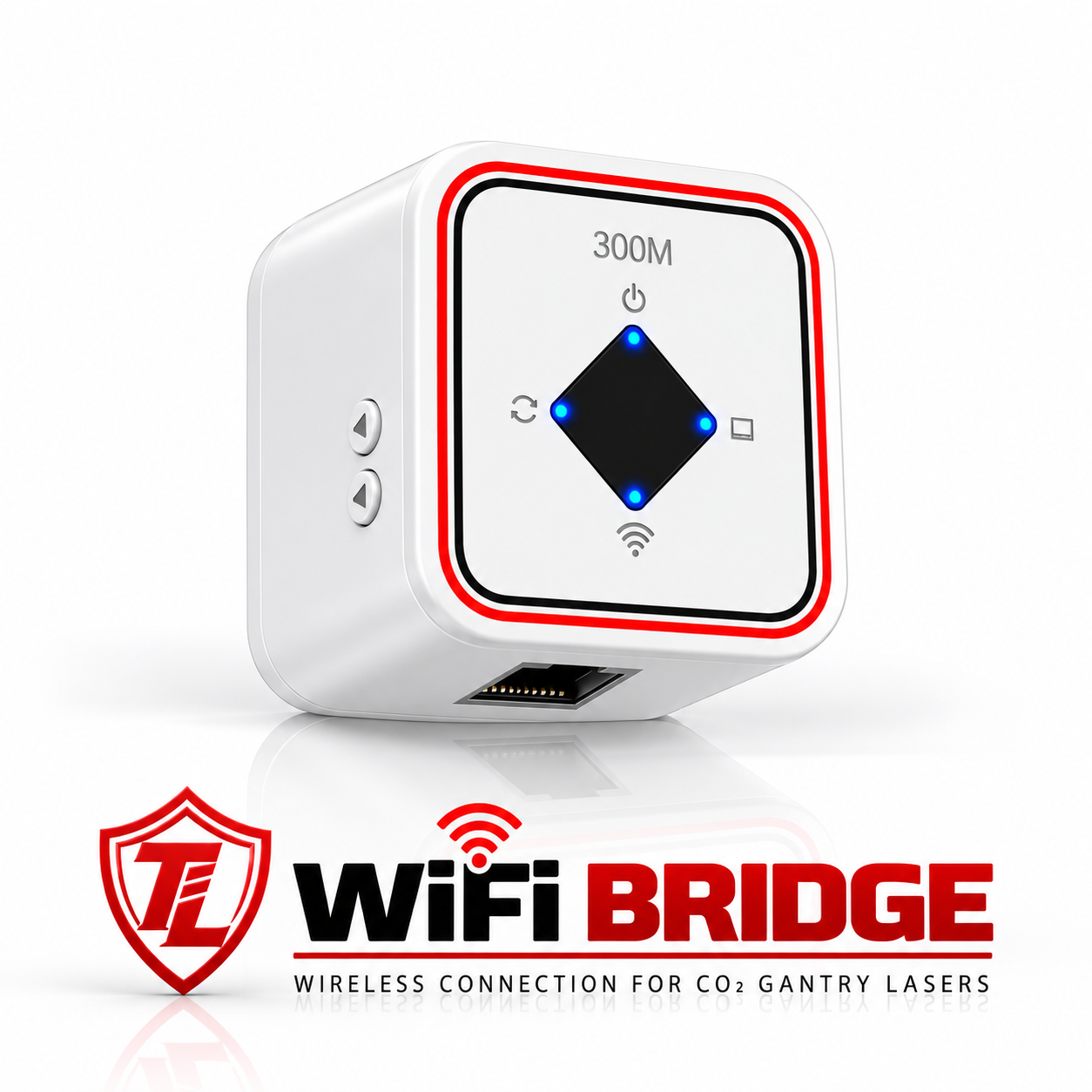
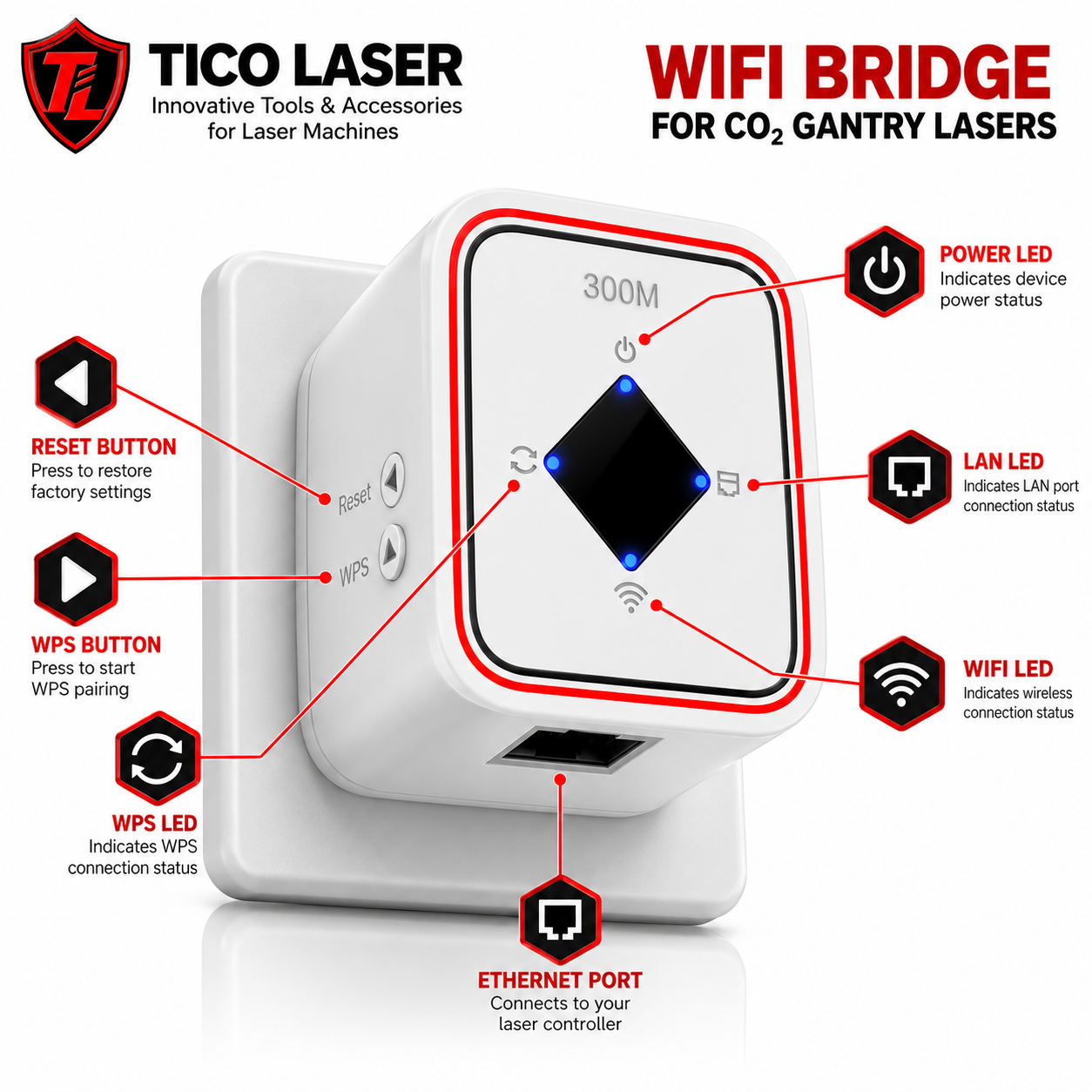
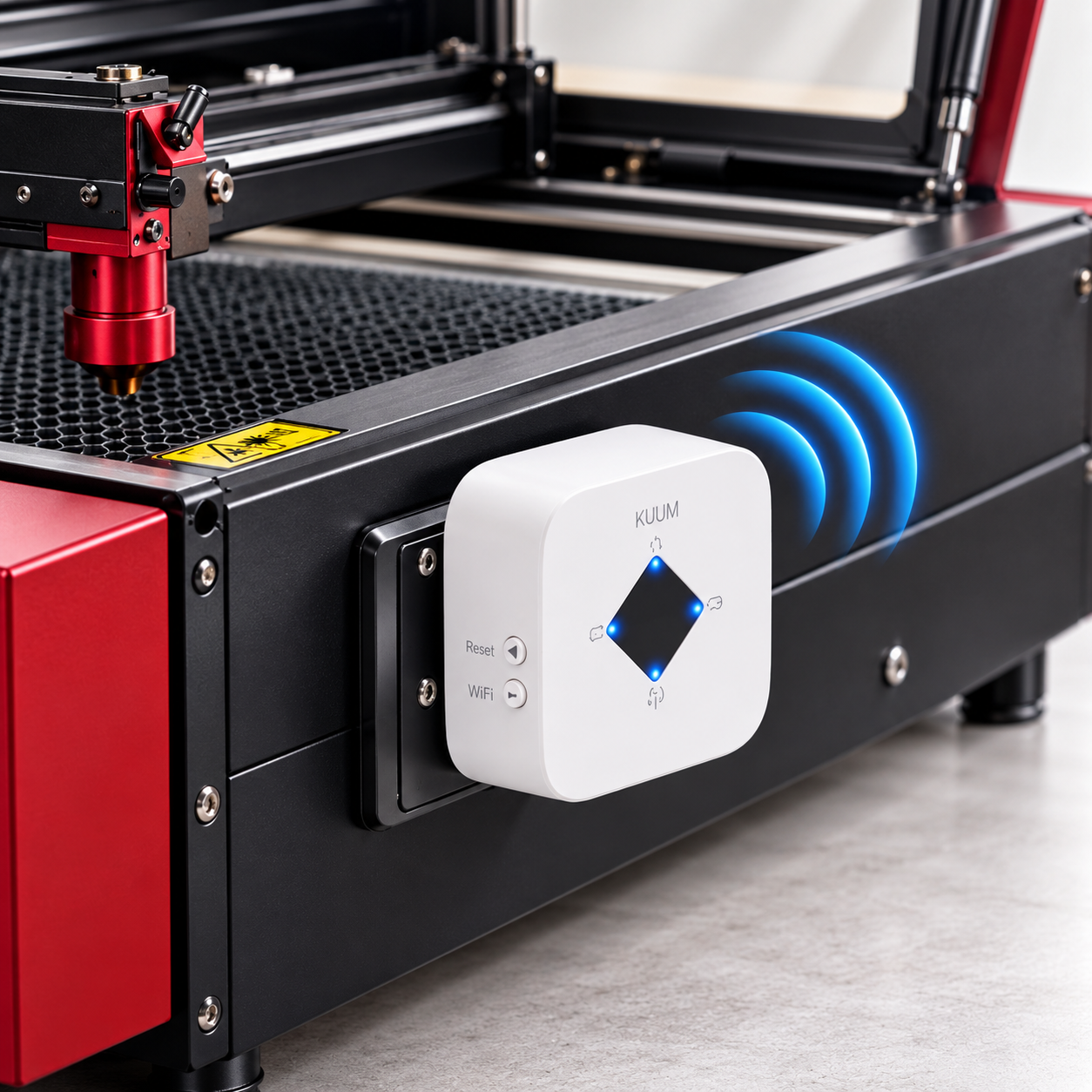
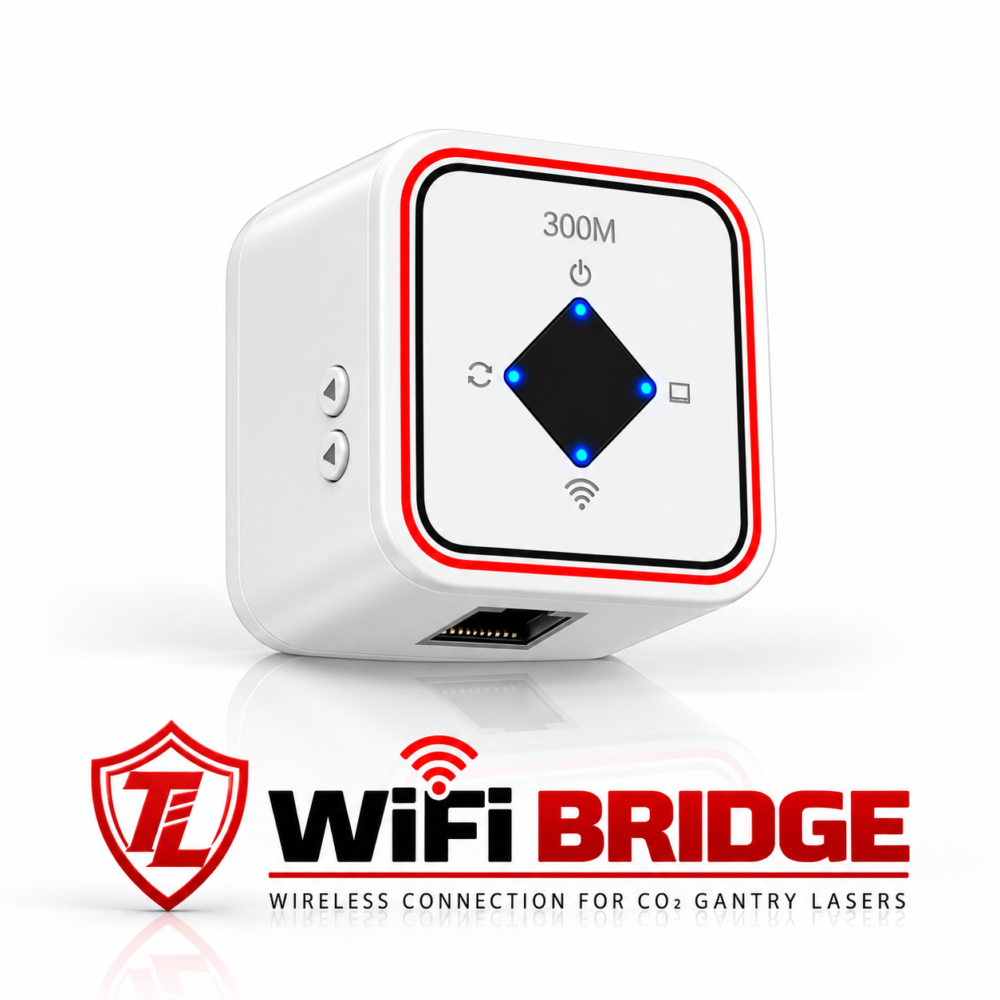
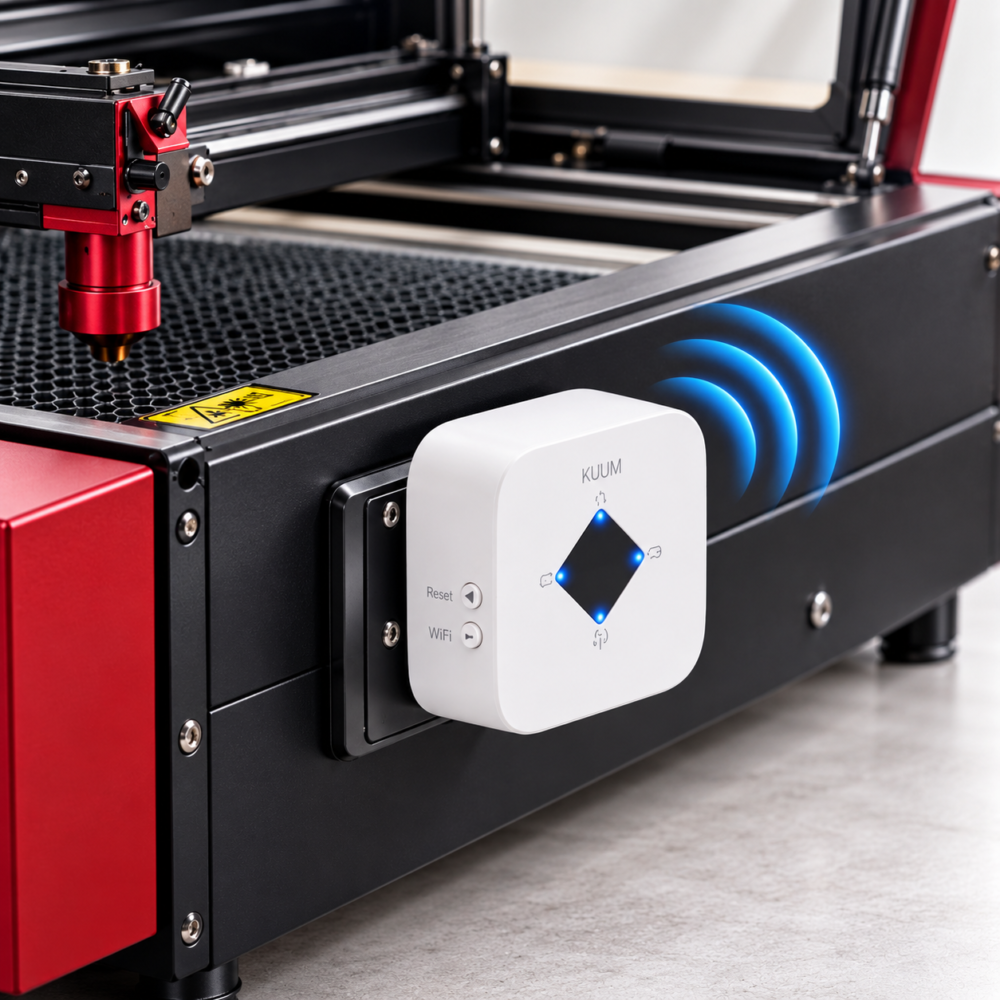
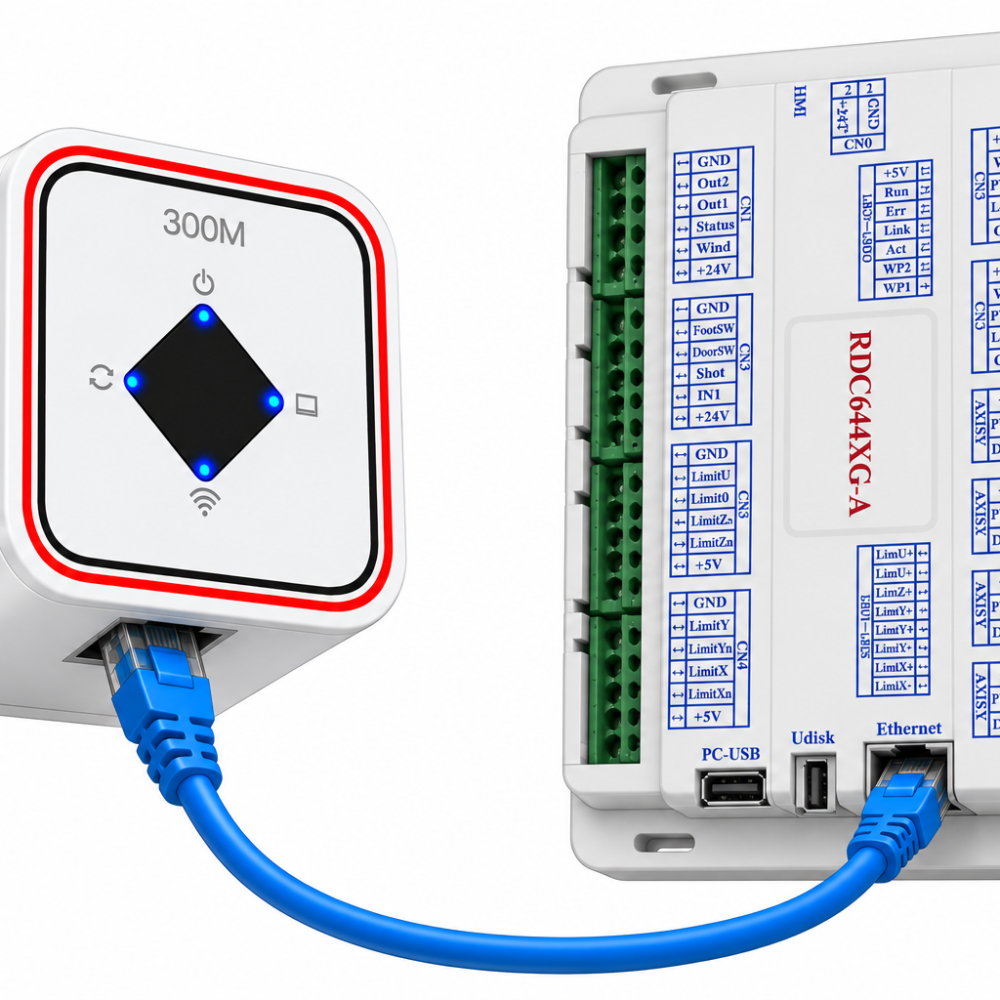
Eliminate the USB cable between your computer and laser with the TL WiFi Bridge. This compact wireless networking solution connects to your compatible Ruida laser controller through its Ethernet port, allowing your laser to communicate with your computer over your WiFi network.
Enjoy greater flexibility in your workspace without running a long cable from your computer to your machine.
Key Features:
- Wireless Connectivity – Communicate with your laser over your WiFi network.
- Easy Installation – Connect the bridge to your Ruida controller using an Ethernet cable.
- LightBurn Compatible – Use with supported Ruida controllers configured for Ethernet communication.
- No Computer-to-Laser USB Cable – Keep your workspace cleaner and more flexible.
- Compact Design – Small footprint and convenient installation.
Compatible with supported Ruida-controlled CO₂ gantry lasers.
Requires a compatible Ruida controller with an Ethernet port and appropriate network configuration.
4 in stock
TL WiFi Bridge – Wireless Connection for CO₂ Gantry Lasers
Cut the Cable. Go Wireless.
Enjoy the convenience of wireless laser communication with the TL WiFi Bridge from Tico Laser.
Designed for compatible Ruida-controlled CO₂ gantry lasers, this compact device allows your laser to communicate with your computer over a WiFi network, eliminating the need for a direct USB connection between the two.
Whether your computer is across the workshop or simply too far from your laser for a convenient USB connection, the TL WiFi Bridge provides a practical networking solution.
Key Features & Benefits
- Wireless Laser Communication – Connect your laser to your computer through your WiFi network.
- LightBurn Compatible – Works with supported Ruida controllers using LightBurn’s Ethernet connection method.
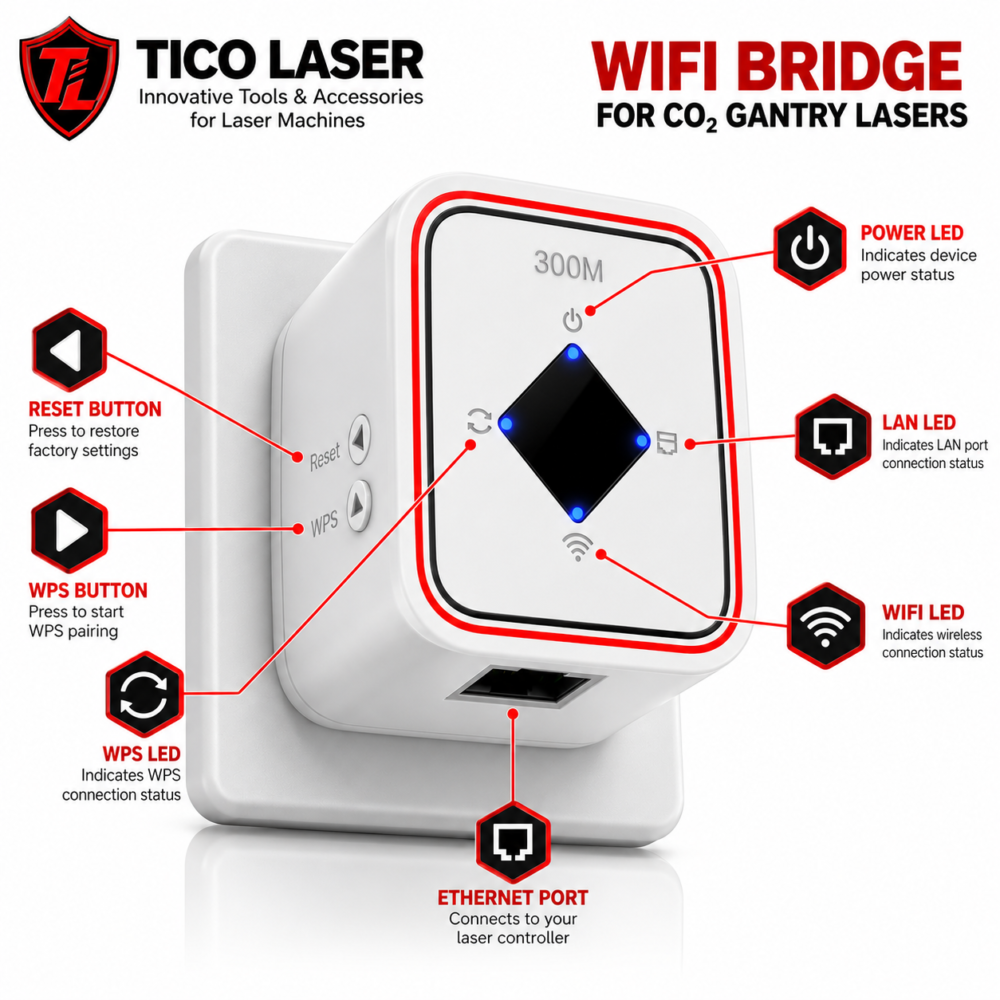
- Simple Ethernet Connection – Connects directly to your Ruida controller’s Ethernet port.
- No Long USB Cables – Reduce cable clutter and enjoy more flexibility when positioning your computer.
- Compact Design – Small, convenient device that fits easily into your laser workspace.
- Affordable Wireless Upgrade – Add wireless networking without replacing your existing controller.
How It Works
The TL WiFi Bridge creates a wireless network connection for your compatible Ruida laser controller.
- Connect the TL WiFi Bridge to your laser controller’s Ethernet port using an Ethernet cable.
- Power the bridge and configure it to connect to your WiFi network.
- Configure your laser’s network connection in LightBurn.
- Communicate with your laser wirelessly from your computer.
Easy Setup – Instructions Included
The WiFi Bridge includes step-by-step setup instructions to help you connect the device to your compatible Ruida controller and configure wireless communication with LightBurn.
Once properly configured, you can send jobs and communicate with your laser without a direct computer-to-laser USB cable.
Compatibility
Designed for:
- CO₂ gantry lasers equipped with compatible Ruida controllers
- Ruida controllers featuring an Ethernet network port
- LightBurn software using supported Ethernet communication
Important: This product uses standard network communication and is not the discontinued LightBurn Bridge Kit or its Raspberry Pi-based TCP relay system.
A Smarter Way to Connect
Whether you’re upgrading your workshop or simply want to eliminate the USB cable running across your workspace, the TL WiFi Bridge offers a compact, convenient solution for wireless laser communication.
Tico Laser – Innovative Tools & Accessories for Lasers.
Be the first to review “WiFi Bridge – Wireless Connection for CO₂ Gantry Lasers”
You must be logged in to post a review.
Related products


Laser Accessories
Reviews
There are no reviews yet.